
How to Apply for Police Clearance Online, Screen by Screen
Yes, you can apply for police clearance online, and most of the work happens on your screen. You register, fill in your profile, book a slot and then pay on the official portal. Your first clearance still needs one station visit for your photo, signature and fingerprints.
Steps verified on the PNP’s clearance portal and its PDF guide, 17 October 2026.
One note before the steps: this site is independent and has no link to the PNP. Every application happens on the official PNP clearance portal, never through a fixer or agent.
What’s online and what isn’t
| Part | Where | Have this ready |
|---|---|---|
| Create your account | Online | An inbox you can check right away |
| Fill in your profile | Online | Your ID, full address and parents’ names |
| Book a slot | Online | The station and date you want |
| Pay the fee | Online or at a partner store | Bank card, e-wallet or cash |
| Photo and fingerprints | At the station | ID, reference number and e-receipt |
Can I get police clearance online?
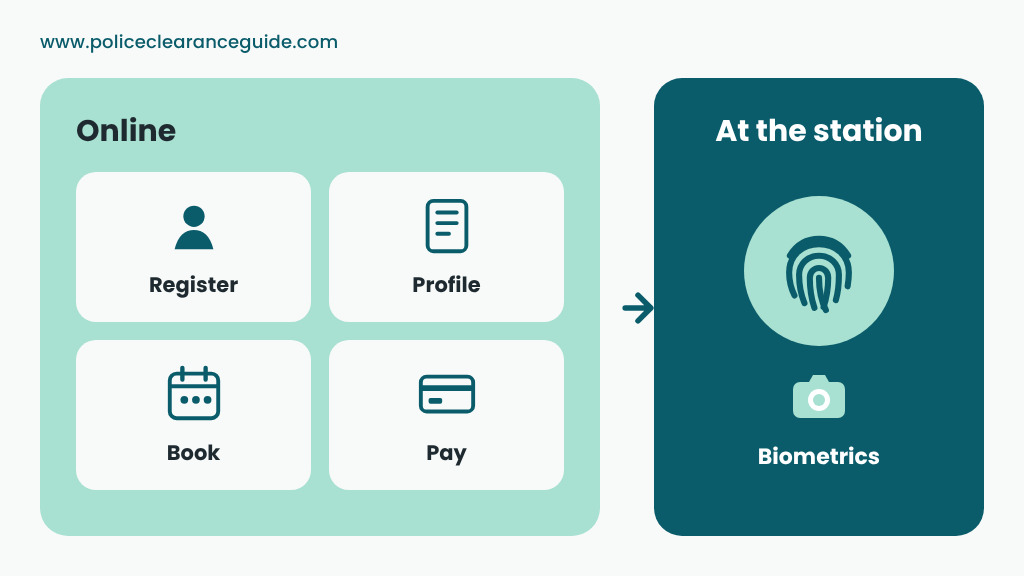
Almost all of it. The police clearance online system is the PNP’s National Police Clearance System, or NPCS. In short, your PNP police clearance online application covers registration, booking and payment. What the system can’t do on a first application is capture your biometrics, so you go to the station once.
Renewals, however, work differently. If your fingerprints were taken at a station less than three years ago, you can finish the whole thing without leaving home. More on that in After your visit: HIT, validity and renewal below.
What you need for police clearance online
The national police clearance online application asks for more than most people expect. So, before you begin, have these within reach:
- An email address you can open now, for the activation link
- An original government-issued ID that hasn’t expired
- Your full home address, plus your mother’s and father’s full names
- A way to pay: bank card, e-wallet, or cash at a partner store
If you can, finish the police clearance application online in one unhurried sitting. After all, the profile is where mistakes slip in.
How to get police clearance online, step by step
The police clearance online process has six steps. Your online application for police clearance ends at Step 5. After that, Step 6 happens in person.
Step 1: Register on the police clearance portal
To begin with, open the portal and click Register. Tick the terms and conditions boxes and click Next until you reach I Agree. Then fill in the form and click Register. Our registration guide goes field by field.
Step 2: Activate your account and sign in
Look in your inbox for the activation email and open the link. Then sign in with your email and password. If the login page fights you, our login help has fixes for the common snags.
Step 3: Fill in your profile
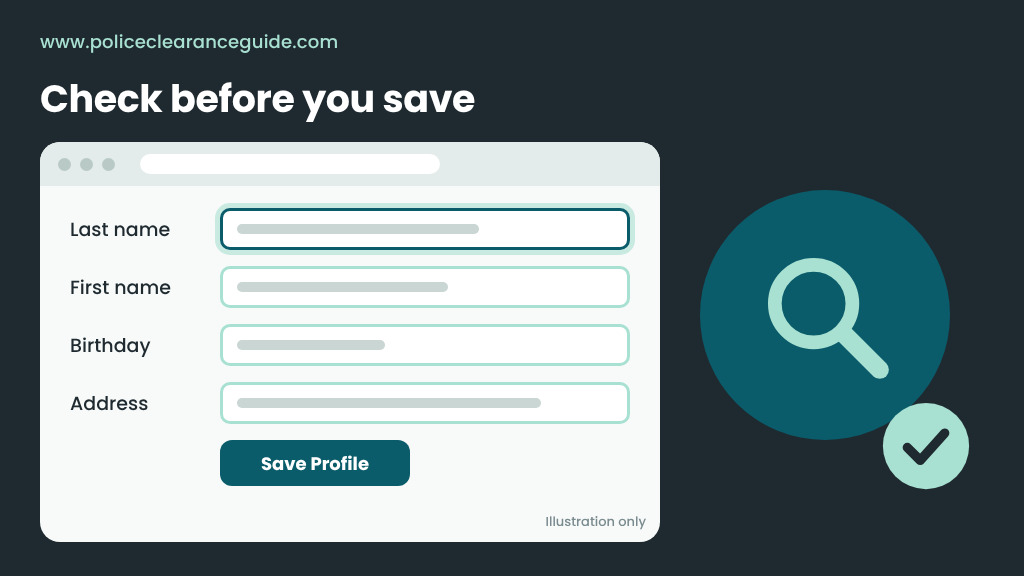
Click Edit Profile. You’ll enter your personal details, address and family background, then click Save Profile. Everything here prints on your clearance exactly as typed, so read it twice. Fields such as complexion and identifying marks trip up a lot of people. Our guide to the form fields explains each one.
Step 4: Book your appointment
Click Clearance Application. Choose your purpose first. Then pick a station, a date and either the AM or PM slot. Only open slots can be picked, so check a few dates. First-time jobseekers should choose that purpose and bring the barangay First Time Jobseeker certification, so the fee is waived. Select LandBank as the payment option, click Next and save. Your PNP clearance online booking now has a reference number, so screenshot it. Our appointment guide helps you choose a station and slot.
Step 5: Pay before your slot
Click “Click here to Pay.” You’ll then move to LandBank’s ePayment page. Pay by LandBank or BancNet card, or choose Cash Payment for partners such as GCash, Maya, 7-Eleven or Bayad Center. Afterwards, keep the payment confirmation or e-receipt.
Pay right after you book. A booking that isn’t paid at least two banking days before the slot can be cancelled, and payments aren’t refundable. The fee is ₱150 plus a small convenience fee, and our fee guide breaks it down.
Step 6: Go to the station
When you go, bring your original ID, your reference number and your e-receipt. Staff take your photo, digital signature and fingerprints. Then you wait to be called. If there’s no HIT, you leave with your clearance. The requirements list shows which IDs count.
Online police clearance mistakes to avoid
These four can sink an online police clearance application:
- A typo in your profile. The clearance prints what you typed. If your name or birthday is wrong, the fix is a new application.
- Booking without paying. Unpaid slots get cancelled, so you start the booking again.
- An email you can’t open. No activation link, no account.
- A photocopied or expired ID. Bring the original card, and pack a second ID in case the first is rejected.
After your visit: HIT, validity and renewal
A HIT means the PNP’s database found a record under a name like yours. Often the match is just a namesake. The station checks it by hand. Some clear in minutes, while others take a few working days. See HIT status for what to do.
An online national police clearance is valid for six months. When it runs out, renew from the same account. If your previous clearance was done in person within three years, the non-appearance option asks only for uploads: a recent 2×2 photo plus a selfie where you hold up your ID. You then download your police clearance certificate online once it’s processed.
Quick answers
| Question | Short answer |
|---|---|
| Is police clearance online only? | No. A few towns also hand out a local police clearance at the station, but it only covers that town. |
| Can I apply at any police station? | Yes. Pick any station on the list when you book. See applying at any station. |
| Is pnpclearance.ph the official site? | Yes, it’s the PNP’s own portal. Our PNP clearance guide explains what it does. |
| How much is the online police clearance? | ₱150 plus a convenience fee. First-time jobseekers get one free. |
| How long is it valid? | Six months, counted from the day it’s issued. See our validity guide. |
| Can an employer check it online? | Yes. They use Verify Clearance on the portal with your surname and clearance number. Here’s how verification works. |
Do this before you open the portal
- Open your email inbox in another tab
- Put your original ID on the desk, plus a spare
- Write down your parents’ full names and your full address
- Decide how you’ll pay
New to all of this? Our main police clearance guide explains what the clearance is and when you need one.
