
Police Clearance Online Registration: Getting Your Account Right
Registration is the shortest part of getting a police clearance, and the easiest part to rush. The national police clearance online registration takes about five minutes on the PNP’s portal. Still, two choices you make in those minutes stick with you for years: the email you sign up with and the way you type your name.
So it pays to slow down a little. Here’s what each screen asks for, and the small things that save you a second trip later.
Have these ready first
Keep your valid ID next to you during the police clearance online registration, because you’ll copy your name from it. Have your email open too, because the activation link lands there. And think of a password you’ll still remember next year, not just today. Save the email and password in a password manager once you’re done. Future you, renewing in a hurry, will be grateful.
That’s it. You don’t need an appointment, a payment or any documents for the PNP clearance online registration. Opening the account costs nothing.
Police clearance online registration, one screen at a time
Go to the official pnpclearance.ph register page. You can also open the portal and click the NPCS Register button at the top. Either way, you land in the same place.
The terms pages
The first screens are the terms and conditions. Read them, tick every box and click Next until the last page shows I Agree. Click it to move on.
The New Applicant Registration box
This is the police clearance registration form itself. It asks for your name, an email address, a password and a few basic details. Type your name exactly as your ID shows it. More on that below, because it matters more than it looks.
Saving it
Click Register. When the portal asks you to confirm, save it. Your account now exists, but it isn’t active yet.
The activation email
Check your inbox for a message from the portal. It holds a link that verifies your NPCS online registration. Click it, and you’ll land on the sign-in page.
Your first sign-in
Use the email and password you just set. The first thing to do inside is complete your profile. The profile asks for more than the sign-up did, such as your address and your parents’ names. Our guides to the application form and to tricky profile fields walk through them.
Which email to use for police clearance registration
For your police clearance online registration, use a personal address you expect to keep for years. The email is your login, and your NPCS registration ties every future clearance to it.
Here’s why that matters. Say you sign up with a work email, then change jobs. Two years later you want to renew without visiting the station. The non-appearance option only works from your old account, and now that account sits behind an inbox you can’t open anymore.
A school email has the same problem after graduation. A shared family email is risky too, since anyone with access can see your activation link.
Get your name right the first time
Whatever you type during online registration for police clearance follows you into your profile, and your profile prints on the clearance. So match your ID character for character:
- Middle name. Include it if your ID shows it.
- Suffixes. Add Jr., Sr. or III if your ID has one.
- Spacing. “Dela Cruz” and “Delacruz” aren’t the same to a database.
- Married names. Use the surname on the ID you’ll bring to the station. If that ID still shows your maiden name, register with it, or bring an ID that matches your new name.
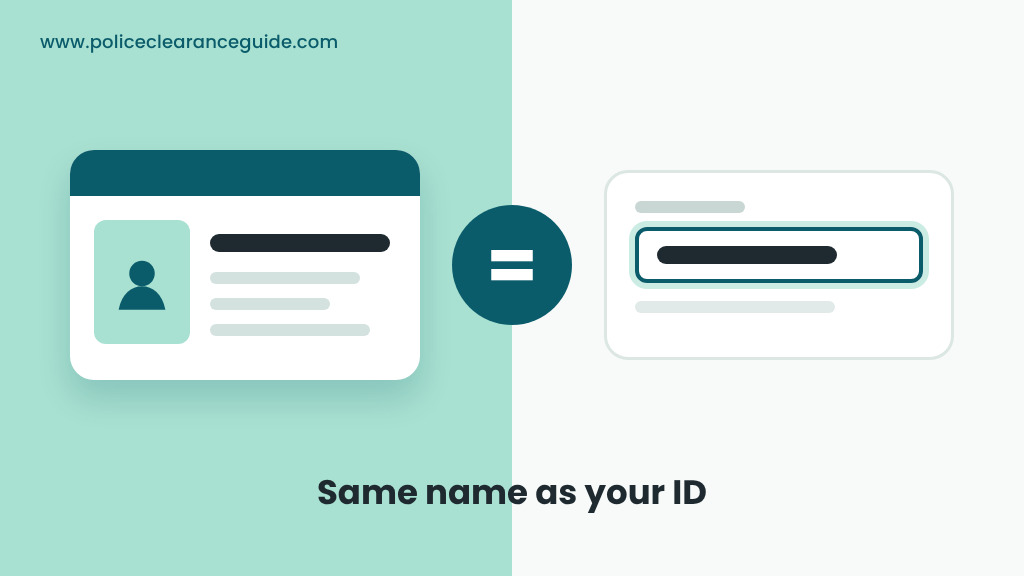
Why so strict? At the station, staff compare your record with your ID. A mismatch slows things down, and a typo that reaches the printed clearance means applying again. It’s far easier to get it right in the form than to fix it afterwards.
The activation email didn’t arrive
Emails go missing sometimes. Before you do anything drastic, try these:
- Check spam and promotions. Portal emails often land there.
- Give it a few minutes. Busy hours can slow delivery.
- Look at the address you typed. One wrong letter sends the link to a stranger.
If you did mistype the address, the account you made can’t be used anyway, since it was never activated. Register again with the correct email. If the address was right, wait a while longer before trying again, rather than creating a duplicate account.
Don’t pay anyone for your police clearance registration
Some people offer to “process” your registration for a fee, usually through chat. Say no. Police clearance online registration is free and takes five minutes, and it’s something you can do yourself. Handing over your name, birthday and password also hands over control of your account. The real form lives only on the official portal, so if someone sends you a different link, close it.
Already registered before? Don’t do it again
It’s an easy mistake to make. If you’ve had a national police clearance before, you already have an account, so skip the online police clearance registration and sign in.
One account keeps everything together: your profile, past applications and the renewal options tied to them. If you’ve forgotten the password, our login help covers getting back in. And when you’re ready for the next clearance, the online renewal starts from that same account.
A few quick ones
Is the PNP online registration free? Yes. Creating the account costs nothing. You only pay when you book a clearance.
How long does police clearance online registration take? About five minutes, plus however long the activation email takes to arrive.
Will my phone do? It will. A phone browser is enough, so the police clearance sign-up doesn’t need a laptop.
Does signing up book my slot? Not yet. National police clearance registration only gives you an account. You pick a station and date later, from inside it.
Where’s the official link? It’s pnpclearance.ph/register. Our guide to the PNP clearance portal shows how to tell the real site from copies.
That’s the whole National Police Clearance System registration. With your police clearance online registration done and your profile saved, the next job is picking a station and a date. Booking your appointment explains how that works.
Checked against the PNP portal on 17 October 2026.
